


Beats
Zoom in where it refuses 1Password

Finds the moment by what was said, and zooms in right there.
NewFetch 2 speaks MCP
Fetch is a Mac screen recorder that Claude Code, Codex and Cursor can drive. It records any real window, captions it on this Mac and cuts it by what was said. No key, no token, no upload.
Free and open source. macOS 13 or later.
 Claude Code
 Used FetchFound the terminalUsed FetchRecording that window, nothing elseUsed Fetch17 seconds, saved to your DesktopUsed FetchWrote the captions, on this MacUsed FetchSplit it into moments by what was saidUsed FetchZoomed in where 1Password is refused
Done. It is open in Fetch.
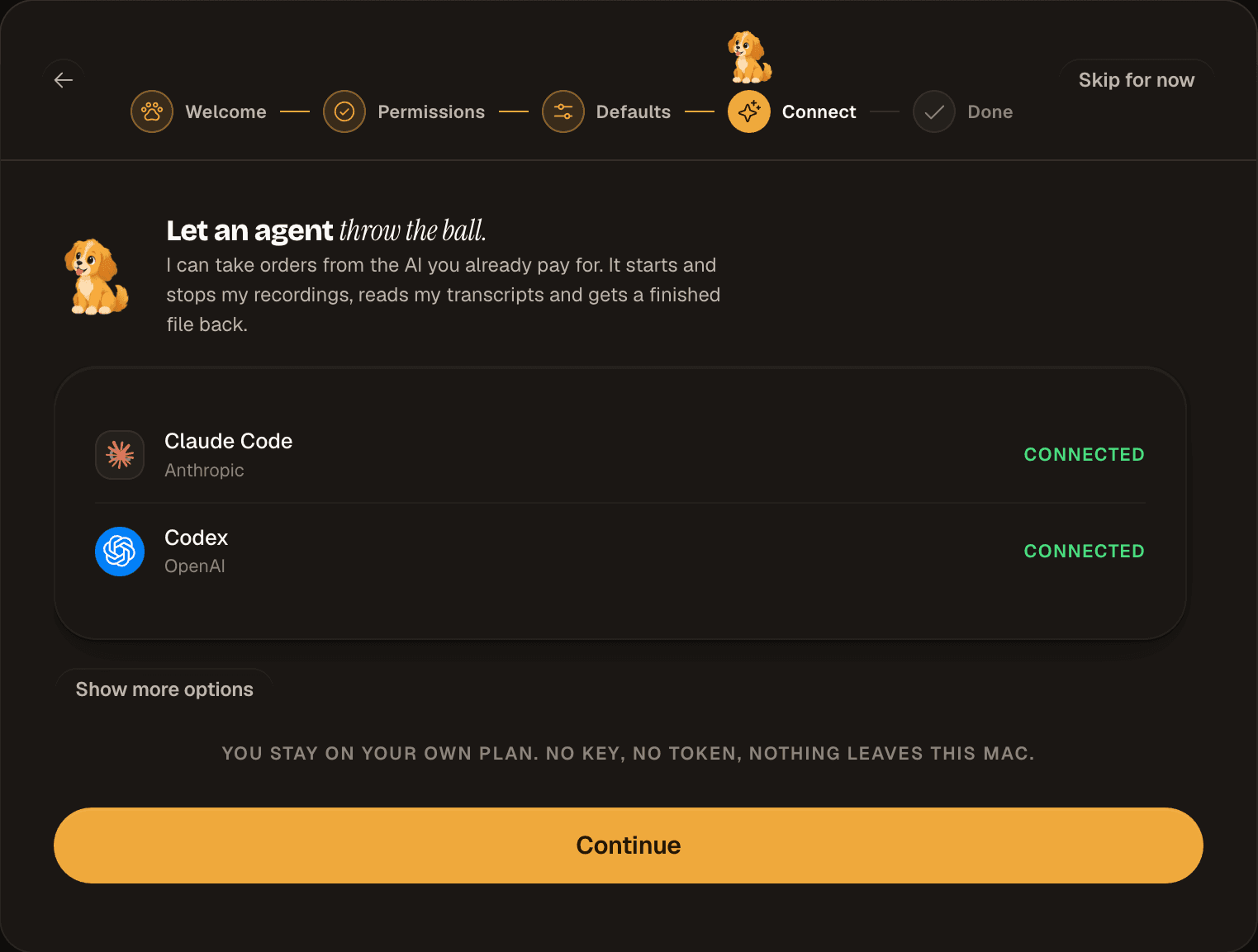
Fetch is an MCP server on your Mac. Whatever you already use can drive it, and Fetch never sees a model, a key or a token.
Claude Code Codex
Codex Cursor
 Windsurf
 Zed
Zed Or ask Biscuit inside Fetch, on your Claude Code or Codex plan
Connect
Six clients, four config shapes and two file formats. Fetch writes the right one for each and reads it back, so connected means it checked. It even raises Codex’s tool timeout, which would otherwise cut off any recording longer than a minute.

Whatever window is open on your Mac, an agent can record it. One window on its own, or the whole screen.
The iOS Simulator too. It is just a window. Fetch records, and whatever drives the app, Playwright, simctl or you, stays in charge of it.
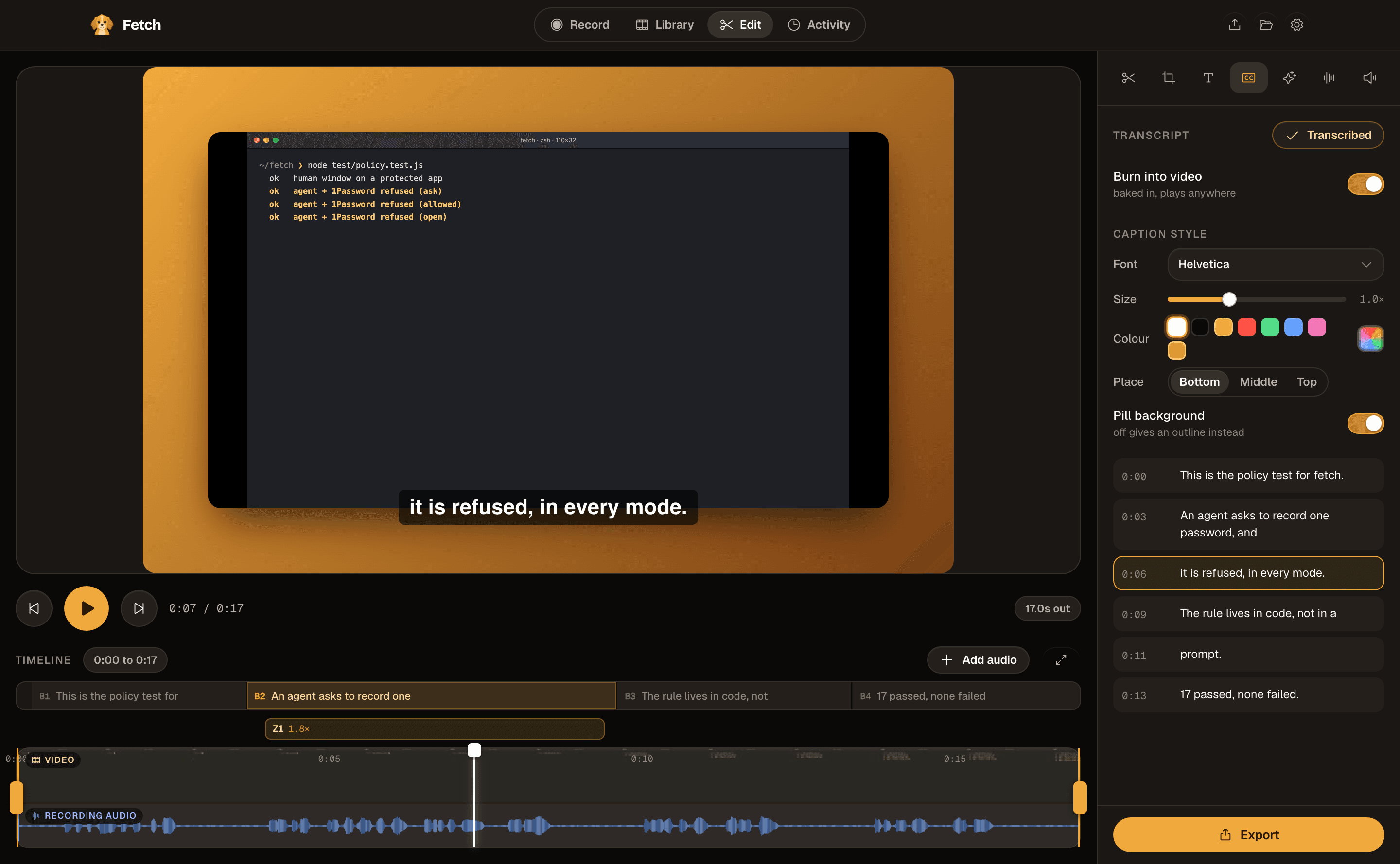
Ask for an edit the way you would ask a person. Fetch labels every clip, zoom and caption, so the agent changes exactly the one you meant, and your timeline shows what it touched.
Zoom in where it refuses 1Password
Finds the moment by what was said, and zooms in right there.
Record my terminal, then caption it
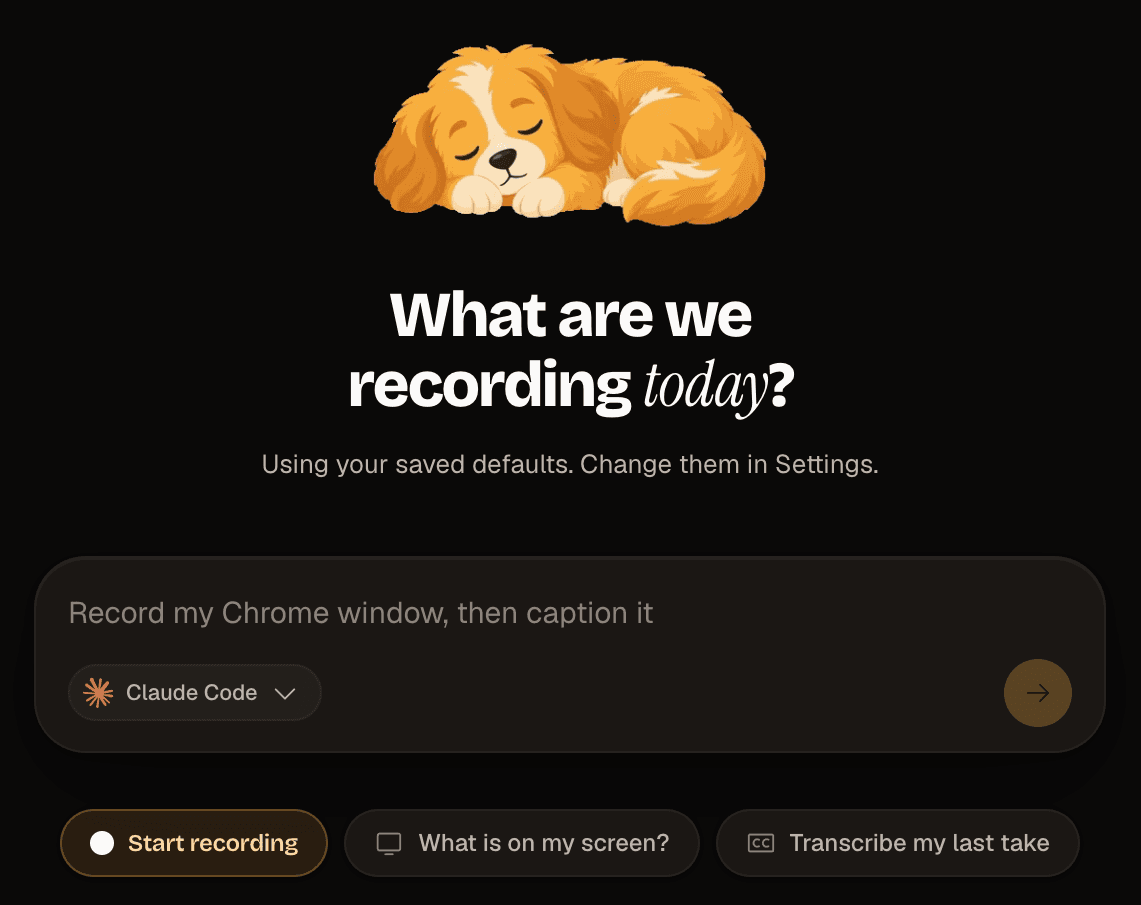
Finds the window and records only that one.
Caption it and burn them in
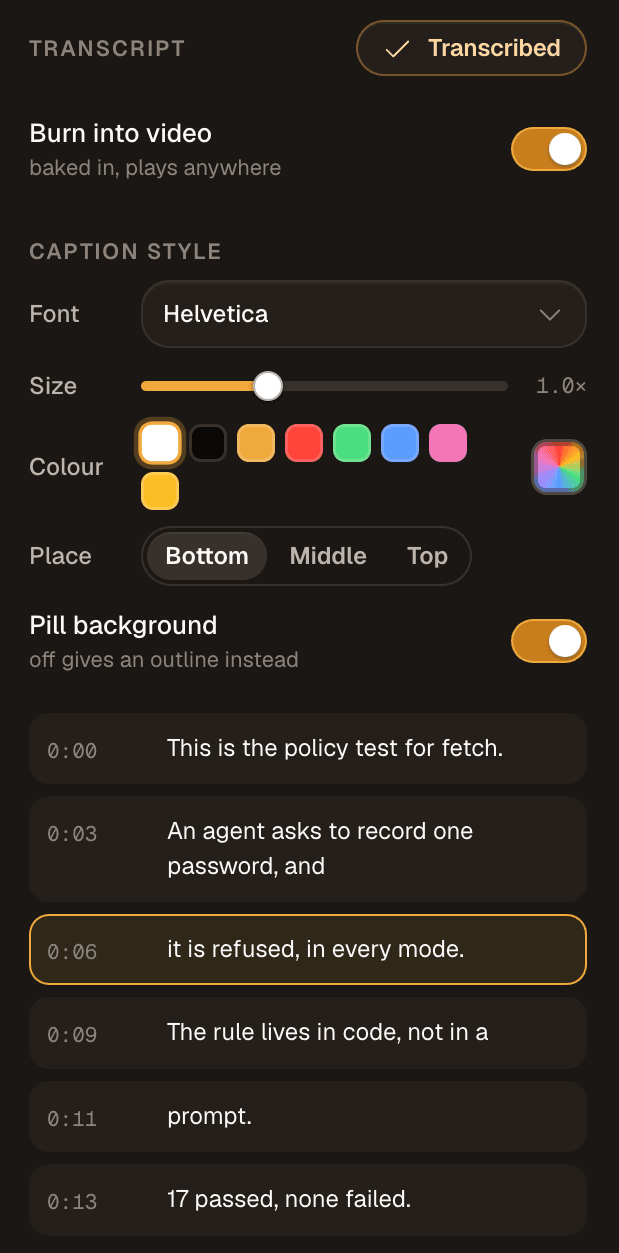
Transcribed on your Mac, then burned into the video.
Frame it on Dusk
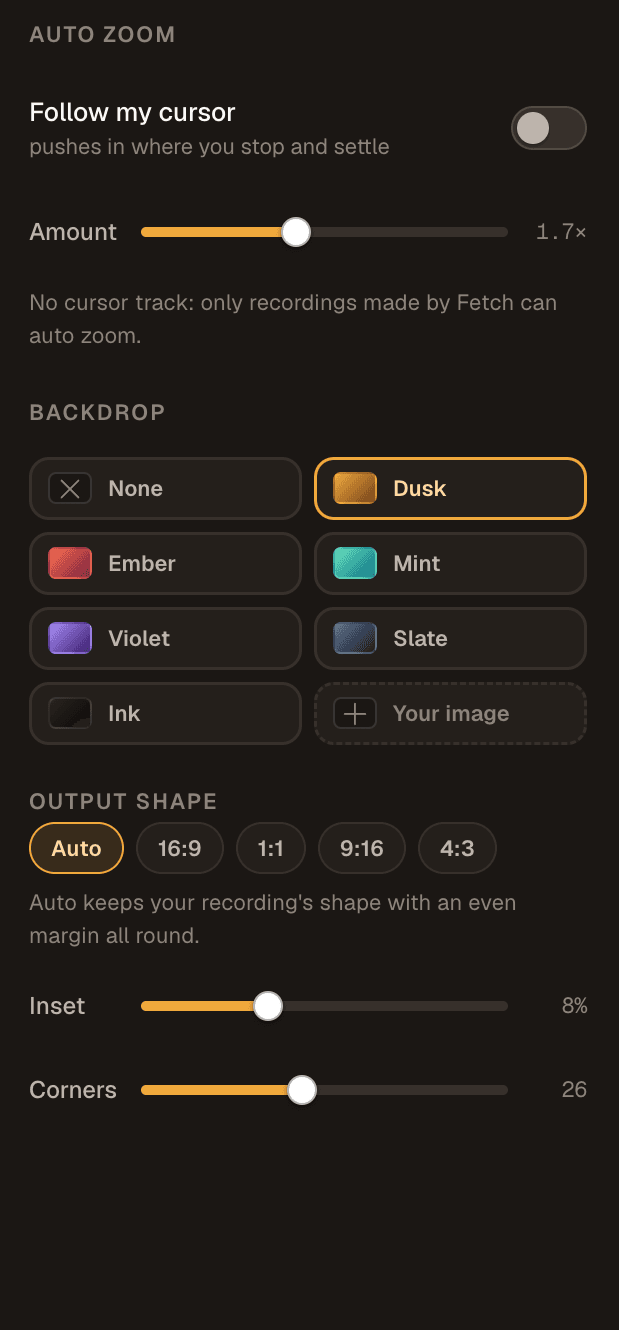
Set in the edit, ready for export.
Then it exports, and a finished MP4 is on your Desktop. The agent never opened the editor, and you never had to.
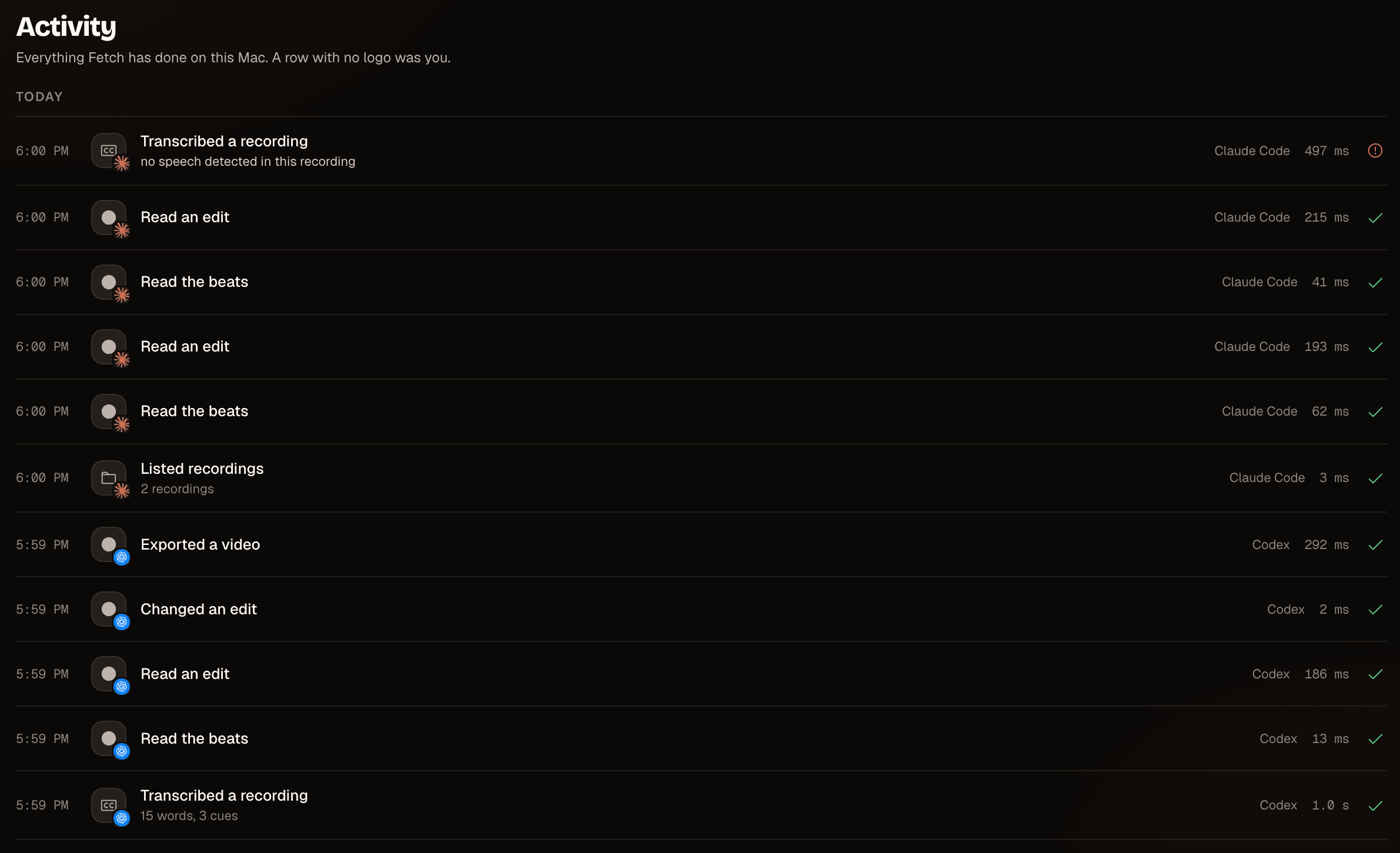
Every recording, transcript, edit and export lands in one log, with the agent that did it and how long it took. A row with no logo was you.
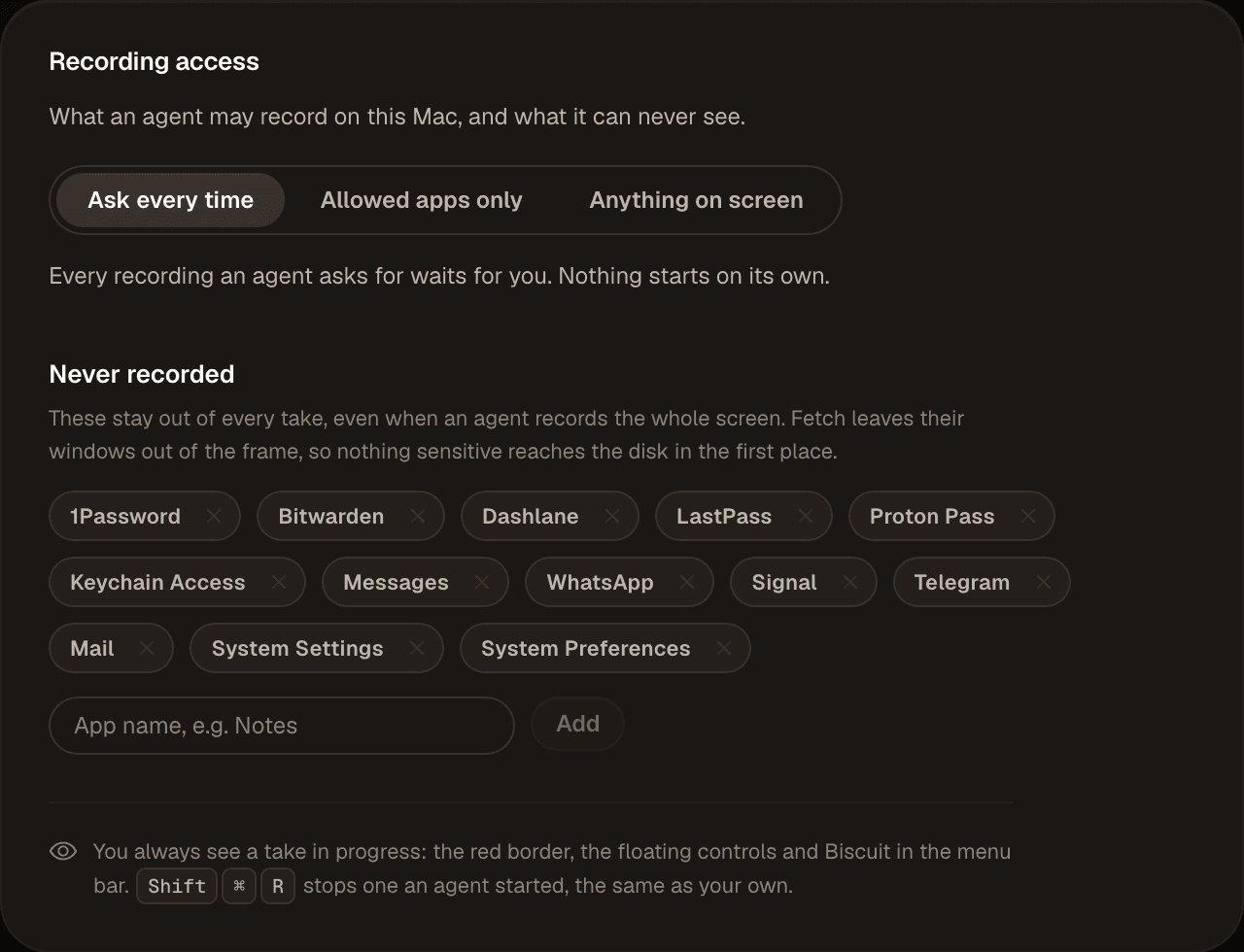
Never records 1Password, Messages, Mail or System Settings. Even when an agent records the whole screen, Fetch leaves those windows out of the frame, so nothing sensitive reaches the disk.
By default every take an agent asks for waits for you. You always see one running: the red border, the floating controls, and Biscuit in the menu bar.
ok human window on a protected appok agent + 1Password refused (ask)ok agent + 1Password refused (allowed)ok agent + 1Password refused (open)ok refusal names the appok allowed mode refuses whole displaysok exclusion picks protected windows only
Enforced in code before a take starts, not asked for in a prompt.
He is how Fetch tells you what it is doing. And when an agent is driving your Mac, he sits in the menu bar for the whole take. You always see the dog.
He naps until there is something to do.
Off he goes the moment recording begins.
Transcribing and cutting, right on your Mac.
He brings the finished file back to your Desktop.
An agent and a person edit the same document. Drag a clip after the agent is done and nothing fights you.
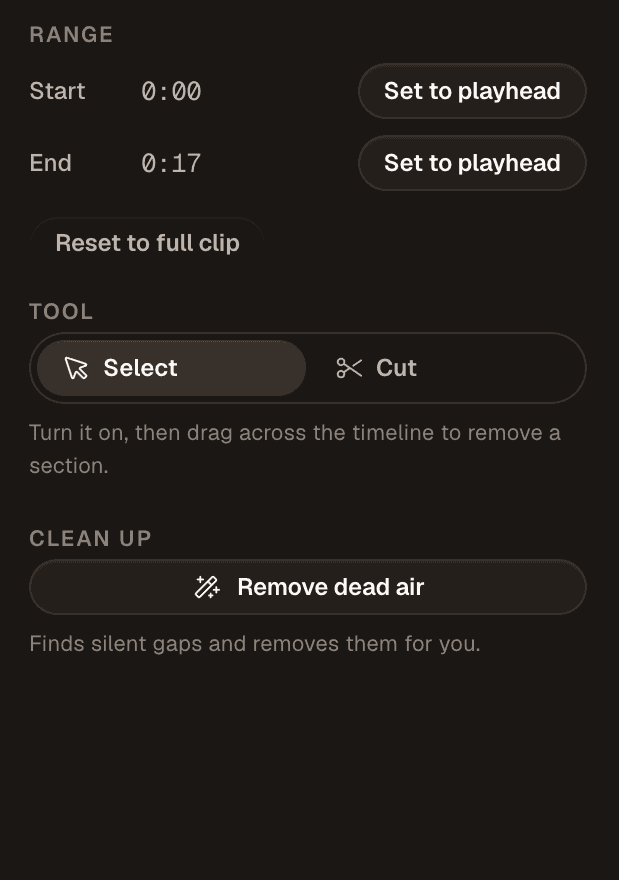
One click finds the silent gaps and removes them, with sound and picture kept in sync.
Fix the stumbles in the transcript and a studio voice reads it back over the same footage, through your own ElevenLabs account.
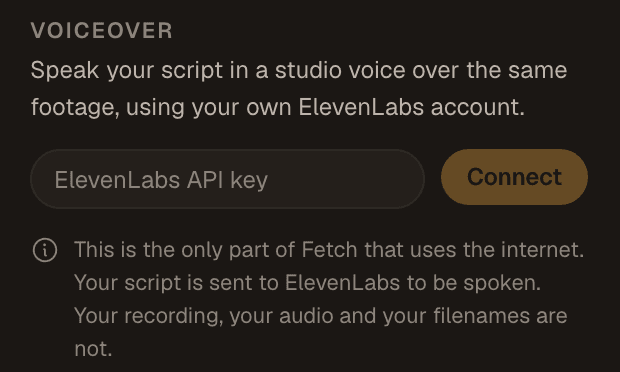
The one feature that uses the internet, and it says so where you turn it on. Only the script is sent.
“Private” means nothing on its own. So here is every request Fetch can make, what is in it, and how to stop it.
Fetch has no server to sign in to and holds no API key. When an agent drives it, that agent is the CLI you already signed in to, on the plan you already pay for.
GitHub, to ask whether a newer version exists. A daily count that says one more copy of Fetch exists: a random id, the app version and your macOS version. And ElevenLabs, only if you connect voiceover, and only the script. Never a recording, a filename or anything you typed.
raw.githubusercontent.com · /api/ping · api.elevenlabs.io
Turn off auto-update and it stops asking. Turn off the install count in Settings and Fetch says nothing at all. Voiceover is off until you paste your own key, and the key lives in the macOS Keychain.
Parakeet on the Neural Engine. A two minute recording comes back in about a second and a half on an M5 Pro. You do not have to take a landing page's word for it, because the app says so itself:

The source is public and GPL-3.0. Every claim above is one grep away, which is the only reason a privacy section is worth reading at all.
github.com/SankrityaT/Fetch
They land on your Desktop, or a folder you pick. Delete Fetch tomorrow and they are still sitting there.
~/Desktop

Free and open source. macOS 13 or later, Apple silicon or Intel.